
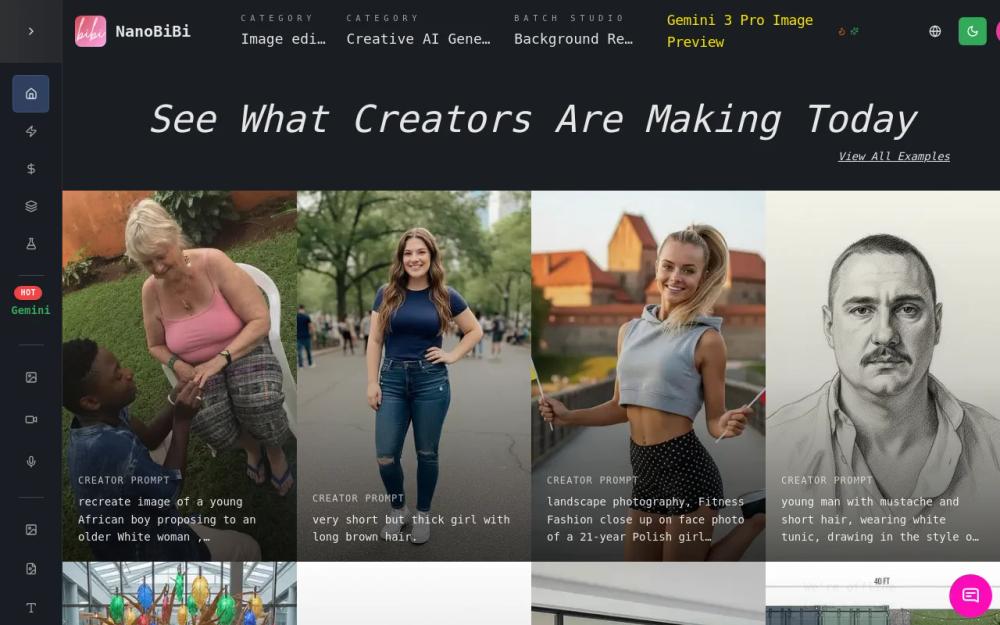
What is NanoBiBi?
NanoBiBi is an AI-driven platform designed for efficient batch image editing, particularly for e-commerce businesses, designers, and marketers. It streamlines the process of image enhancement, background removal, upscaling, and style consistency, saving significant time and effort compared to manual editing.
How to Use NanoBiBi
- Upload Images: Start by uploading the images you want to edit. You can upload multiple images at once for batch processing.
- Select an Action: Choose the desired action, such as background removal, upscaling, or style transfer, from the available options.
- Configure Settings: Adjust the settings for the selected action. For example, you can specify the desired resolution for upscaling or the target style for style transfer.
- Process and Download: Initiate the processing and download the edited images. NanoBiBi will automatically apply the selected actions to all uploaded images.
Features of NanoBiBi
- AI-Powered Background Removal: Automatically removes backgrounds from images with high precision.
- AI Image Upscaling: Enhances image resolution while preserving details.
- Style Consistency: Applies a consistent visual style across multiple images.
- Batch Processing: Allows for simultaneous editing of numerous images.
- Object Removal: Removes unwanted objects from images.
- Color Recolor: Changes the color of objects in images.
Use Cases of NanoBiBi
- E-commerce Product Photos: Quickly edit product photos for online stores.
- Marketing and Advertising: Create visually appealing marketing materials.
- Social Media Content: Enhance images for social media posts.
- Design and Creative Projects: Streamline image editing workflows for designers.
- Real Estate: Enhance property photos for listings.
- Print Media: Prepare images for high-quality printing.
FAQ from NanoBiBi
- What file formats does NanoBiBi support? NanoBiBi supports a wide range of image formats, including JPEG, PNG, and WebP.
- Is there a limit to the number of images I can process? The number of images you can process may depend on your subscription plan.
- How accurate is the background removal? NanoBiBi uses advanced AI algorithms to provide highly accurate background removal.
- Can I customize the upscaling settings? Yes, you can adjust the upscaling settings to achieve the desired results.
- Is there a free trial? NanoBiBi may offer a free trial or a free plan with limited features.
- How long does it take to process images? Processing time depends on the number of images and the complexity of the edits.