Newsletter
Join the Community
Subscribe to our newsletter for the latest news and updates

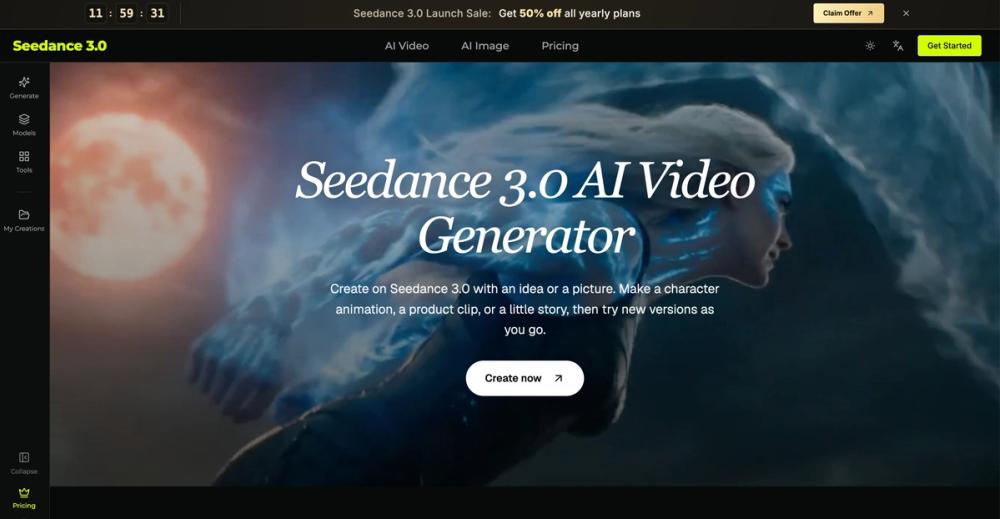
Seedance 3.0 is an online AI video generator. Turn text, images, video clips and audio into videos with sound, keep faces and products consistent, and edit any part without starting over.
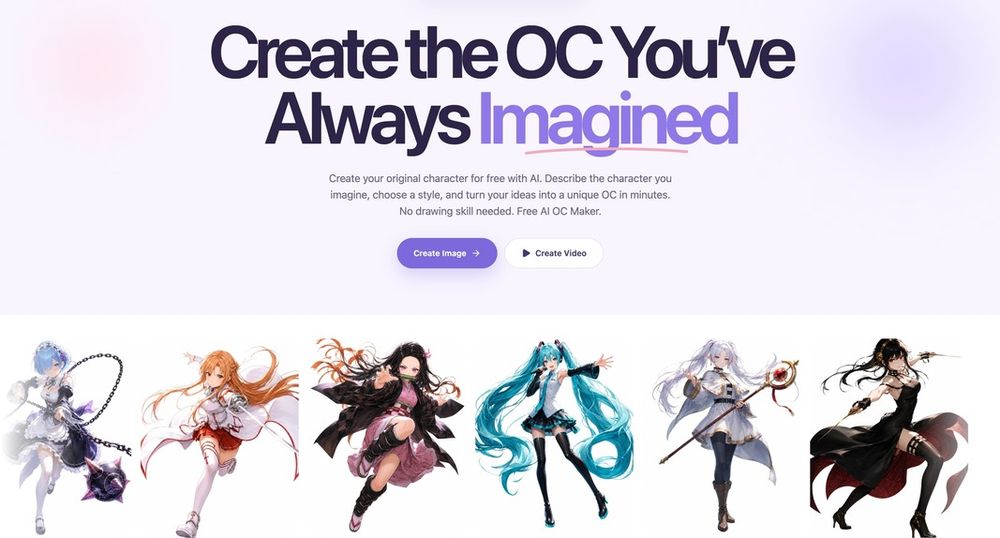
Create OCs from text or images, customize their look, and turn them into animated videos with AI.
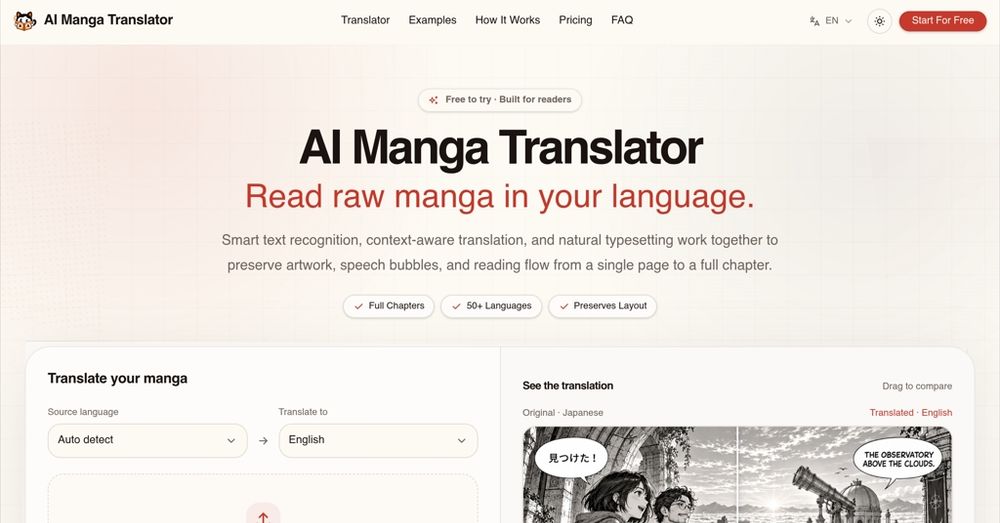
Translate manga online with AI, supporting over 50 languages while preserving artwork, speech bubbles, and layout for a seamless reading experience.
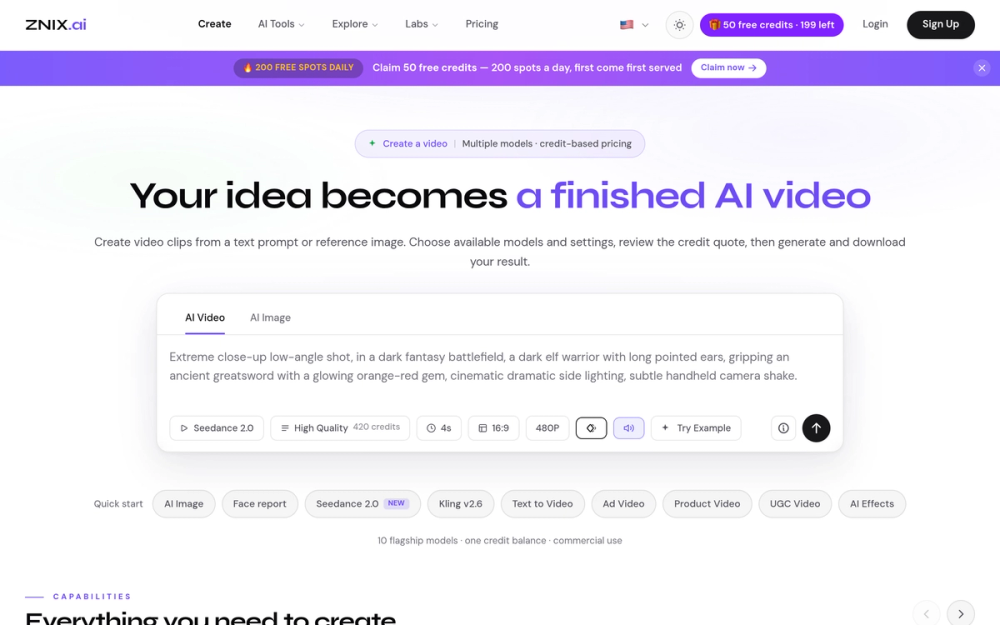
ZNIX.ai is an AI-powered platform that transforms text and images into high-quality videos, offering a suite of tools for creators, marketers, and teams.
What is Seedance 3.0?
Seedance 3.0 is an online AI video generator that turns your ideas into short videos. Start with a sentence, a photo, a video clip or an audio track, describe what you want to see and hear, and get a video with sound in minutes. You don't need any editing skills.
Key Features
Reference to Video: Attach several images, clips or audio files and refer to them in your prompt with @1, @2. This keeps characters, faces and product details consistent. Video with Sound: Generate speech, sound effects and music that match the action and mood. Edit Without Starting Over: Upload an existing clip and describe what to change, or adjust your prompt and make a new version. Flexible Formats: Make tall videos for phones or wide videos for bigger scenes, then preview and download the one you like.
Who Is It For?
Content creators: travel scenes, pet stories and channel intros Marketers and shop owners: turn product photos into ads and test different openings Musicians and podcasters: visuals for songs and audio clips Designers and filmmakers: moving drafts to show clients before a full shoot Teachers: short clips that introduce a lesson Everyone else: birthday greetings, animated drawings and bedtime stories
How to Use
Go to Seedance 3.0 and pick a model, video length and aspect ratio. Write your prompt and add any reference images, clips or audio. Check the credit cost, click Generate, then preview and download your video.
Pricing
New users get starter credits when they sign up, and daily check-ins give free videos. For more credits, a monthly plan or a commercial use license, see the Seedance 3.0 Pricing page.